Quick answer: What is a mood board? It is an arrangement of images that evoke feelings or emotions for a creative project. It sets the look and feel of the work, but it does not replace brand strategy.
For the wider picture of how to design a brand identity for a small business, the board is one early step. It gives you and the client something concrete to react to before design work begins.
How a mood board works
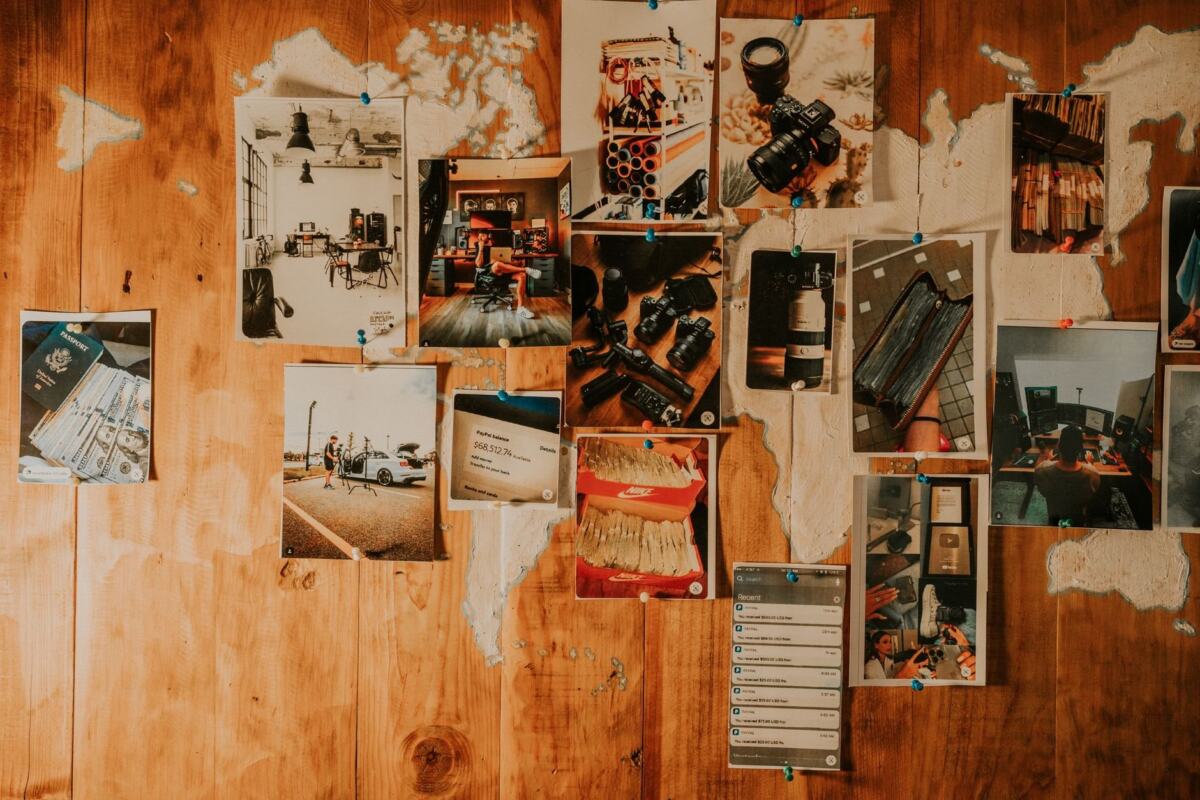
A mood board works by replacing description with visible evidence. StudioBinder defines it as an arrangement of images that evoke feelings or emotions specific to a creative project. The content can be varied: photos, drawings, textiles or anything that conveys the desired vibe. For website work, Nation Media Design describes it as a collage of images, colors, textures and typography that evokes a mood.
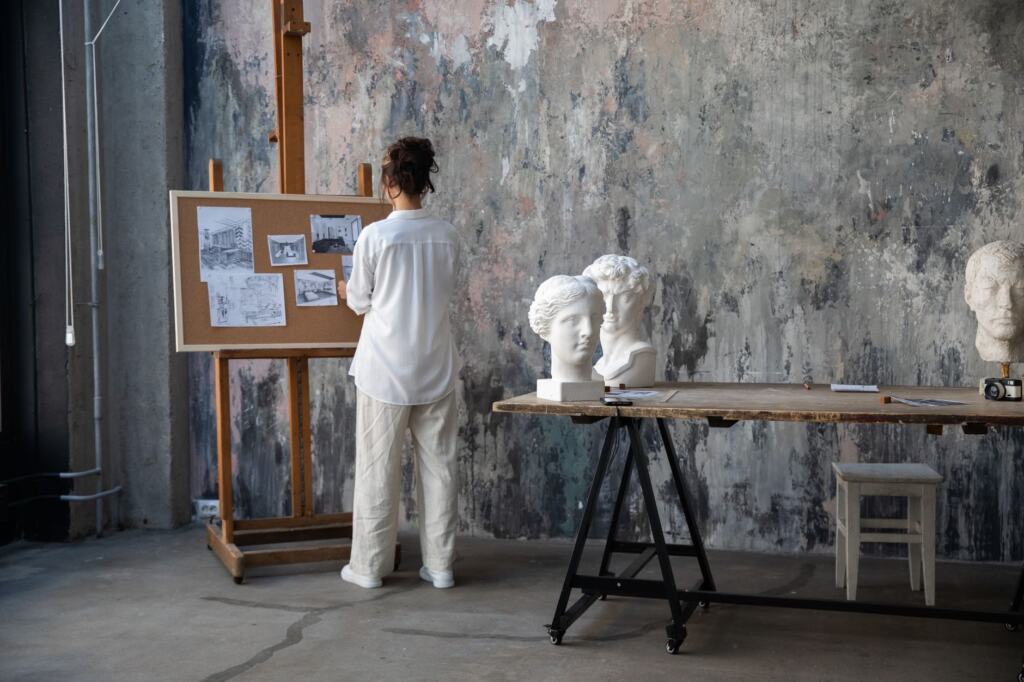
The mechanism has three effects that matter in practice.
- It narrows the focus. The board limits the project to a defined direction and then serves as a reference point throughout the creative process.
- It gives everyone the same view. A board shows all participants the direction the project should take, so people are not each picturing something different.
- It replaces verbal-only briefing. It works as an easy-to-follow roadmap that keeps everyone focused on the same goal instead of relying on spoken descriptions alone.
The practical consequence is that disagreement surfaces early. If a client points at an image and says “not this”, you have learned something cheap to learn. If the same reaction comes after final artwork, it is expensive.
Mood boards in a brand project
In a brand project, the mood board is best treated as a client-alignment step. Its job is to make sure the person paying for the brand and the person designing it want the same thing before production begins.
Capturing what the client wants
A board helps you work out what the client is looking for in their business, and it guides the outputs that follow. The same approach appears in LinkedIn’s design advice, which begins with understanding the client’s brief and objectives. Nation Media Design adds that a board is a good way to communicate design intentions and get early feedback, which prevents costly design changes later in the project.
This is the main reason the board helps you sell a brand. A client who has approved a visual direction is much less likely to reject the identity built from it. Rather than defending taste, you point to the shared reference.
Keeping it distinct from strategy
Designer Emma McGoldrick is blunt that a moodboard is not a brand strategy. Her approach is to present the strategy and the mood board together before moving forward, with the board acting as the visual component that binds the overall strategy together when presenting the creative brief. A board can show that a brand looks warm or sharp, but it cannot show why that suits the audience. Use it to visualize decisions the strategy has already reasoned through, not to make them.
What a brand board contains
For a brand identity, a useful board covers three layers:
- Imagery: pictures that carry the mood you want the brand to convey.
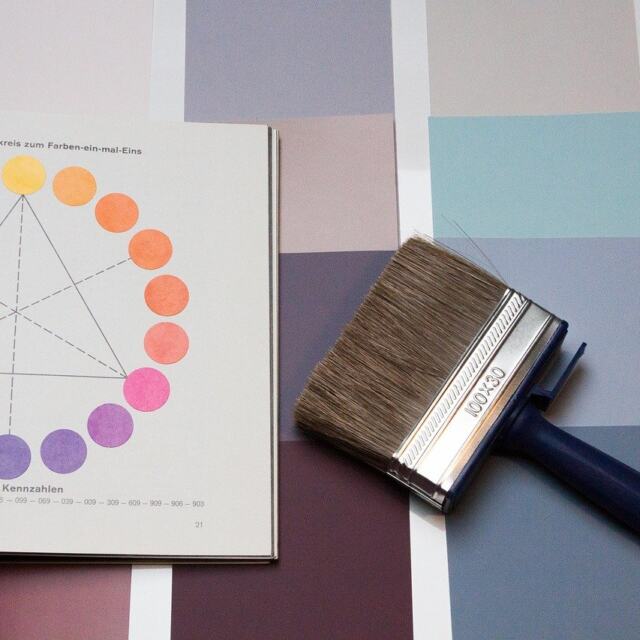
- Color palette: a few images that carry the intended color story. If green is under consideration, the Green Color Theory: A Practical 2026 Guide To Using Green In Design, Art, And Branding guide explores that choice further.
- Typography: logo fonts, headings and font pairings. Nation Media Design stresses that fonts are just as important as colors when defining a brand.
Colors also carry weight. According to Nation Media Design, colors evoke emotions and can influence how users perceive a website, so palette choices on the board deserve discussion rather than approval by default. When you judge how elements sit together on the board, the The 7 Timeless Principles Of Design: How To Use Them To Create More Effective Visuals In 2026 article gives a framework for assessing composition.
Building a board step by step
Build a board in stages, because each stage removes a different kind of confusion. The sequence below follows the process LinkedIn’s advice outlines, a five-step process that starts with the client brief, with details added from the other sources.
- Read the brief. Understand the client’s brief and objectives before collecting a single image. Anything you gather without that anchor is decoration.
- Collect references. Online platforms such as Pinterest, Behance or Dribbble help you find relevant examples and inspiration. Treat this as research, not as the finished board.
- Choose a format. Decide between a digital board and a physical one, covered in the sections below.
- Group and label. Group items by theme, color or category and label each group so a reviewer can tell what they are being asked to judge.
- Add the brand-specific layers. Include a few images that carry the intended color story, plus typography such as logo fonts, headings and font pairings.
- Edit down. Use a limited color palette, carefully selected typography and imagery that aligns with the design vision. A board that tries to say everything fails to communicate a direction.
- Share and revise. Present the draft with the strategy, collect feedback and adjust before design work proceeds.
The editing step is where most boards succeed or fail. Cutting an appealing image that does not match the brief is better than leaving it in and inviting the client to choose it.
Choosing tools for digital boards
The best tool is the one that matches how you and the client will review the board, not the one with the most features. Nation Media Design reports that its agency uses Canva to create digital mood boards, and LinkedIn’s advice names Photoshop, Canva and Adobe Spark as software options. The comparison below sets out how the named tools differ.
| Tool | What it offers | Planning use |
|---|---|---|
| Canva | Drag and drop visual elements and experiment with color schemes | A sensible default when you want quick layouts and color testing without specialist skills |
| Adobe XD | A robust tool for designers who want more control over UI elements and layout | Suits designers who expect the board to feed directly into interface or layout work |
| Milanote | Excellent for collaborating with team members and collecting design inspirations in one place | Choose it when several people contribute references |
| Gathers ideas and shows what resonates; not exactly a mood board tool | Use it for research and collection, then assemble the final board elsewhere | |
| Photoshop | Named as software for creating a digital mood board | An option if you already work in it |
Tool descriptions come from Nation Media Design and LinkedIn’s design advice.
The Pinterest entry is the most useful distinction. It is excellent for finding what resonates, but a collection of pins is a research pile, not a curated board. The curating, grouping and cutting still has to happen somewhere else.
Making a physical board
A physical board suits projects where texture, material or presence in a room matters. Physical mood boards can be crafted using materials like paper, fabric and found objects, according to Nation Media Design. The LinkedIn advice offers a simple route: print the items and paste them on a poster board or a wall.
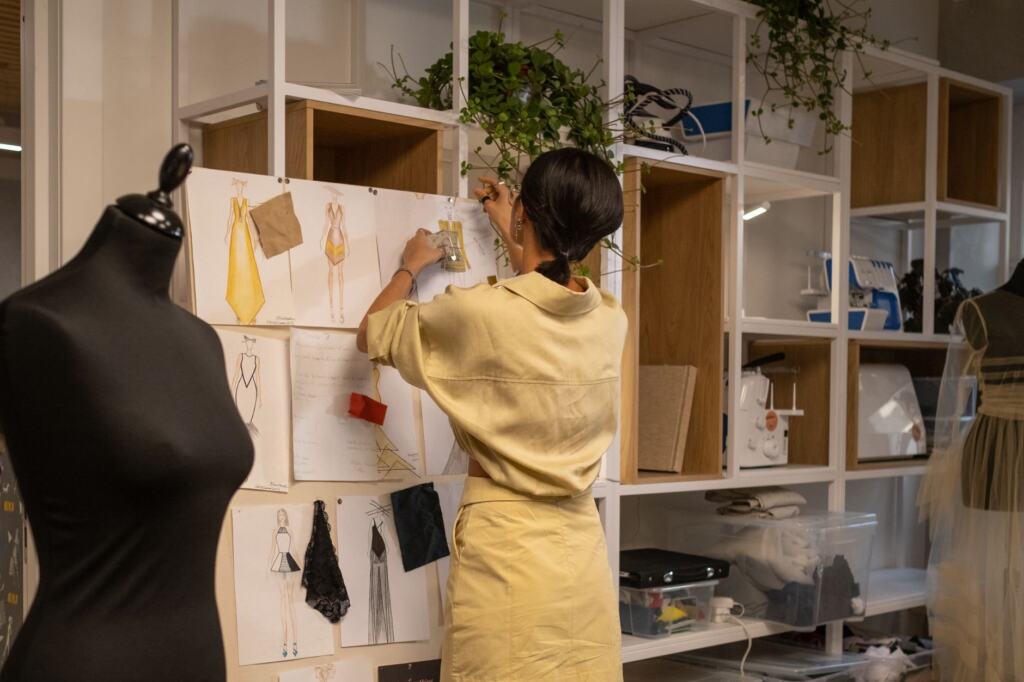
The trade-off is portability. A wall board is easy for a team in one room to gather around, but harder to share with a client elsewhere. A digital board travels easily and is simple to revise after feedback. Many projects work well with a physical board for early exploration and a digital version for client review, though either can stand alone.
Keeping a board clear and useful
A board communicates well when every element earns its place. Keep these habits in mind:
- Stay within a limited palette. A restrained set of colors, deliberate typography and aligned imagery make the intended direction readable at a glance.
- Label groups. Labels turn a pile of images into an argument the client can agree or disagree with.
- Ask for a decision. Present the board with the strategy so the client approves a direction rather than commenting on individual pictures.
When the board is approved, treat it as the reference for everything that follows: logo, palette and typography choices can be checked against it. That makes the board a working document, not a one-off presentation slide.
Frequently asked questions
Is a mood board the same as a brand strategy?
No. A mood board shows the intended visual look, while a brand strategy reasons about audience and positioning. Designers often present the two together before moving forward.
Can I use Pinterest to make a mood board?
Pinterest works for gathering ideas and seeing what resonates, but it is not exactly a mood board tool. Collect there, then curate the final board in a tool such as Canva or Milanote.
What can go on a mood board?
Photos, drawings, textiles or anything that conveys the desired vibe. For brand work, add a few images carrying the color story and a typography section with fonts and pairings.
When should a client see the board?
Show it early, before detailed design begins. Early feedback on a board is cheaper than changes to finished work, and it keeps client and designer aligned on direction.